
Commercial · Brampton
Access Control Installation
You just leased the empty unit next door and want the new tenant to open their own suite without a key to yours, to the loading dock, or to the electrical room down the hall.
In plain words
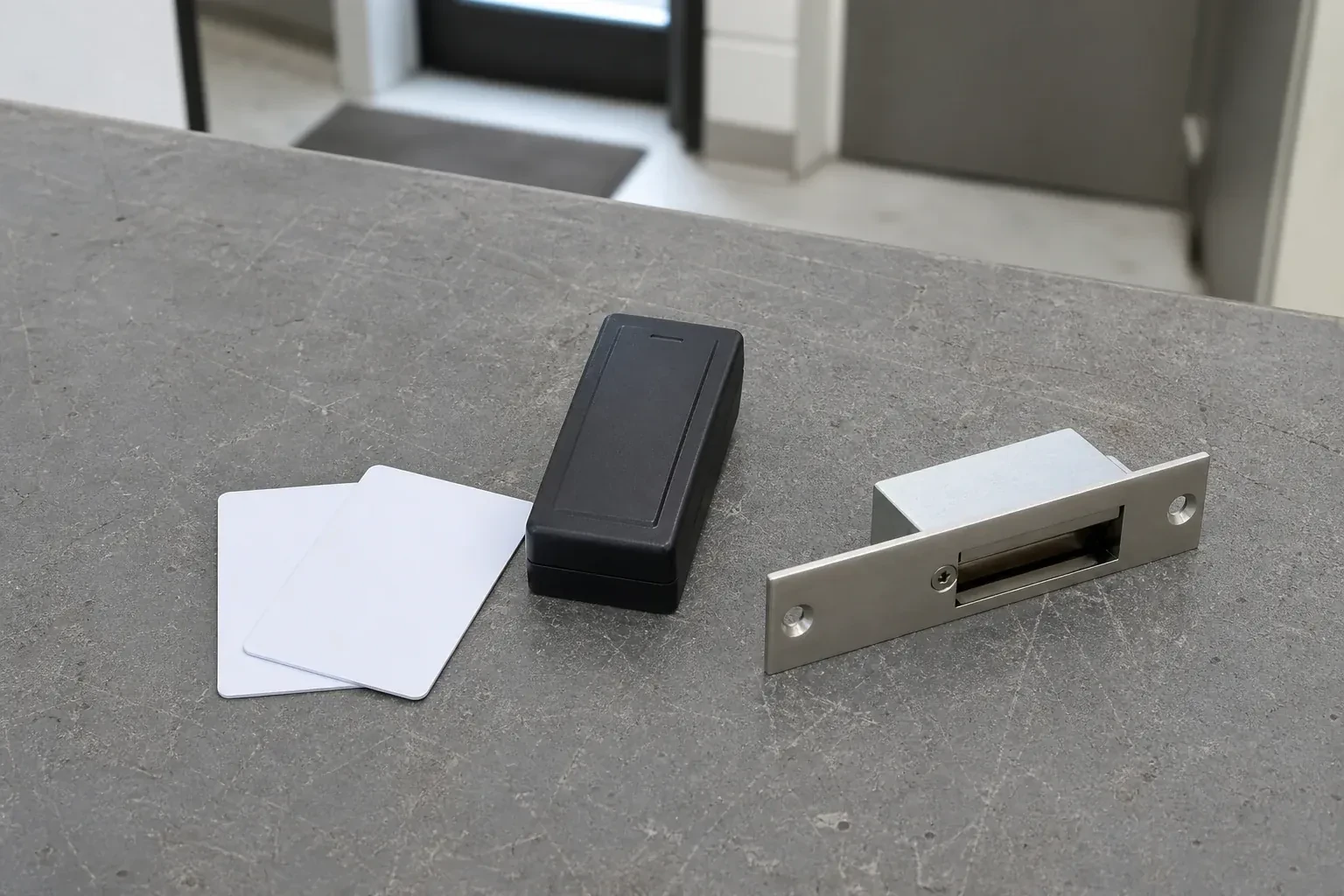
Credentials take several forms, and most installations end up mixing them: a proximity card or fob held near a reader, a keypad code typed at the door, or a mobile credential read from a phone. Cards and fobs are simple to hand out and just as simple to switch off if lost; a code needs no hardware to issue but has to be changed once shared too widely; a mobile credential ties entry to a device the person already carries. The mix is chosen door by door, based on who uses each one and how often.
How the visit goesYou just leased the empty unit next door and want the new tenant to open their own suite without a key to yours, to the loading dock, or to the electrical room down the hall.
Access Control Installation
How the visit goes
Confirming what the system needs to do
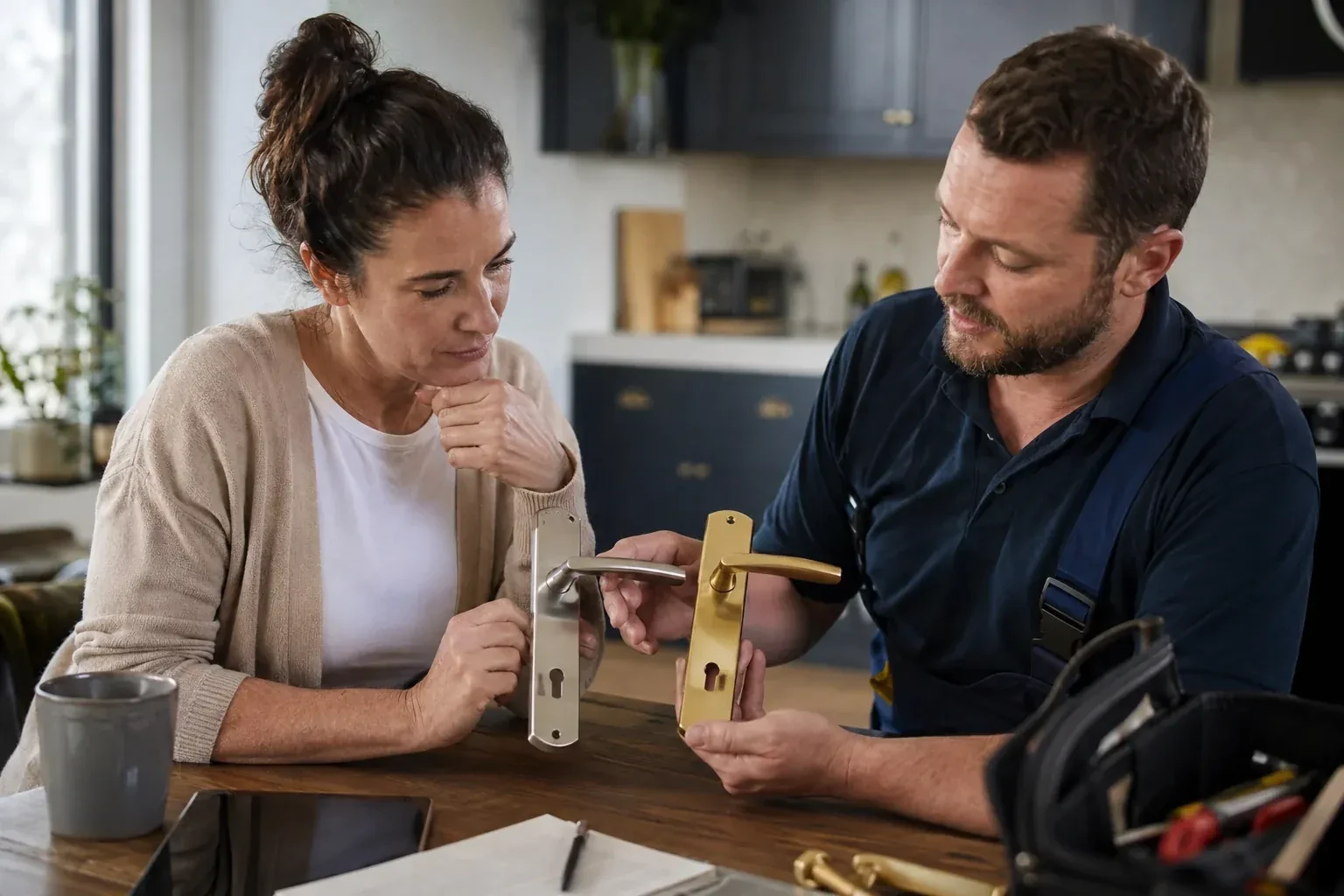
Before any hardware is chosen, the locksmith sits down with whoever will administer the system afterward and works out what it actually needs to do: which doors deserve their own control, whose entry needs a record, whether one opening keeps different hours than another, and who should be able to add or remove a credential once the job is finished. This conversation shapes every choice that follows, from a single standalone keypad on one door to a networked controller running several openings on one schedule, and it is where the business, not the installer, sets the priorities the system is built around.
Enrolling cards, fobs and codes
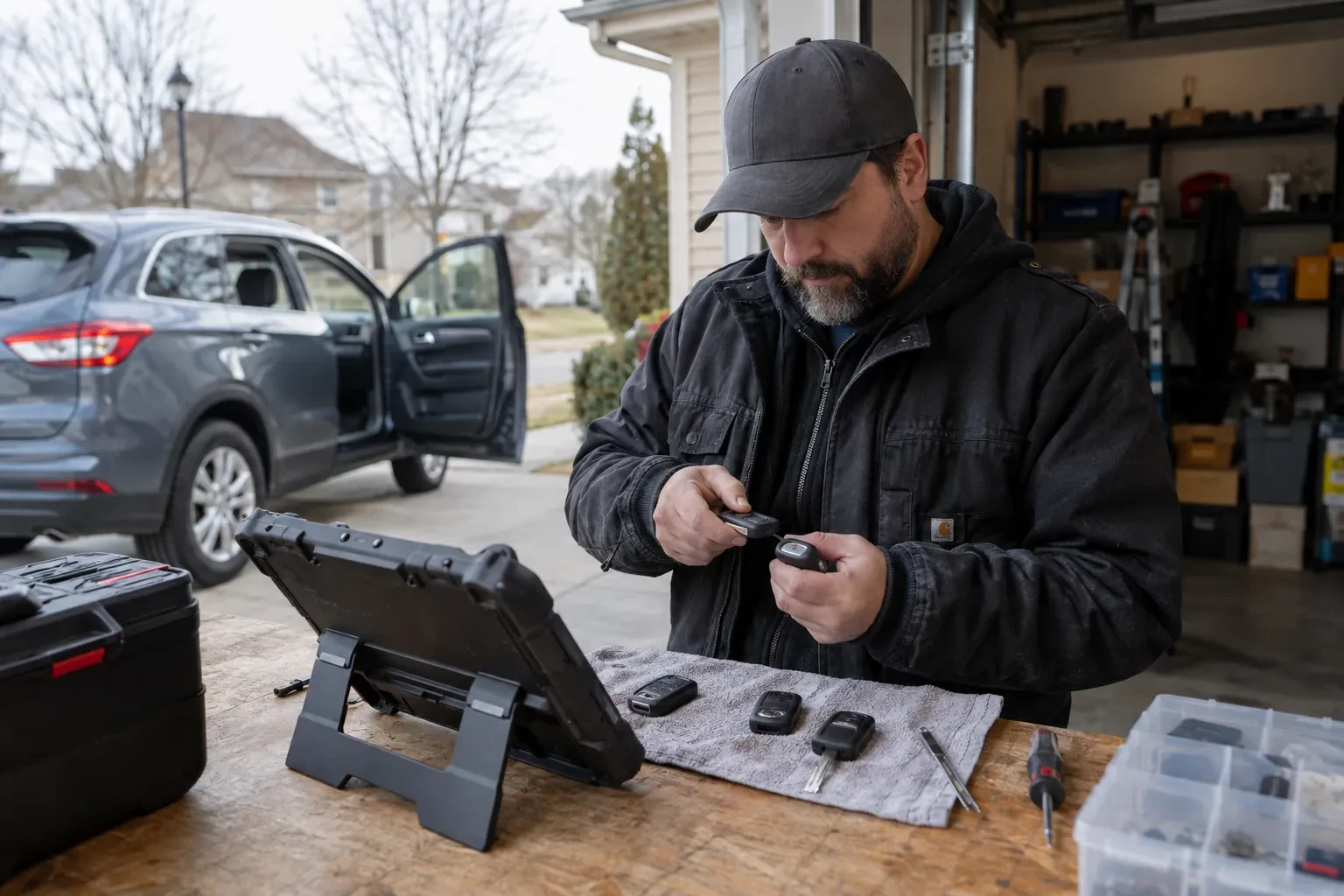
Once schedules and access levels are ready, each credential is enrolled against a name, presented at a reader or entered at an enrolment station, and assigned to the access level matching the person's role. A keypad code is set and confirmed working at the door itself; a card or fob is tested the same way before it is handed over. The locksmith keeps a running list during enrolment so nothing is issued twice and nothing is left unassigned, and hands that list to the administrator as the starting record for the system going forward.
What the system adds to the rest of the building's security
Once the installation settles into daily use, its value tends to show up alongside whatever else the business already runs: an alarm event that lines up with the person who unlocked the door that morning, a camera clip that can be matched to a specific credential instead of just a timestamp, or a plain answer, finally, to who was in the building last weekend. Getting there can mean linking the access system to the alarm panel or the camera platform, which sometimes calls for extra configuration or an integration licence beyond the original installation, but the controller and the log it already keeps are the starting point either way.
Access Control Installation
In the van
Keypad readers
Electric strikes
Low-voltage cable
Power supply with battery backup
Access control panel
Access Control Installation
What affects the quote
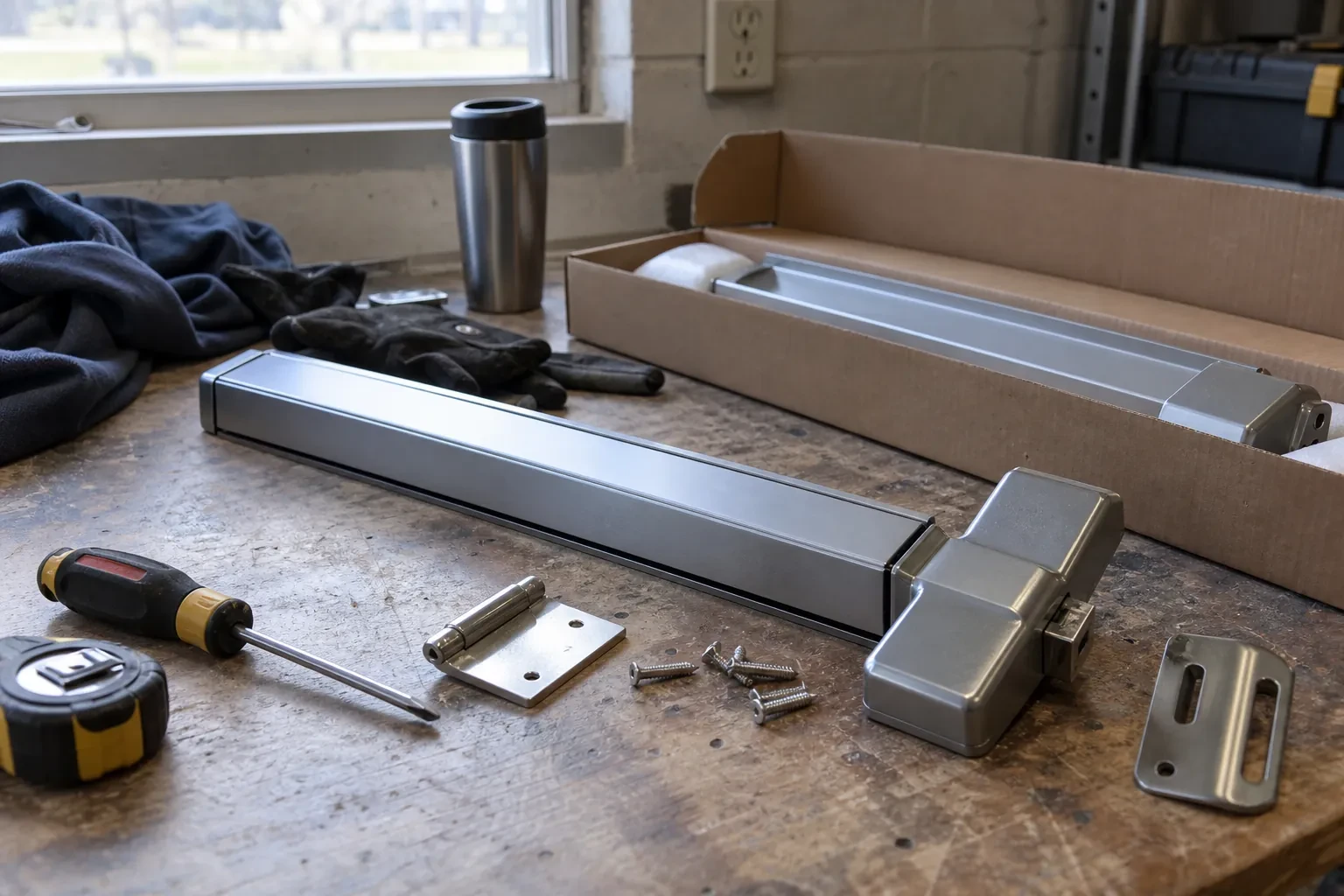
Fitting the mechanical override
Keying an override cylinder into the same system as the rest of the property's keys, rather than leaving it as an unrelated spare lock, takes coordination with whatever keying already exists across the building.
How many credentials and what type
Cards, fobs, keypad codes and mobile credentials each involve different issuing steps, and a system enrolling a handful of managers is a shorter task than one enrolling an entire staff across several shifts.
How many schedules and access levels are needed
A building with one schedule for everyone is quicker to configure than one splitting doors, hours and roles into several access levels, since each combination has to be set up and then tested on its own.
What to have ready
- Who in the business will manage the system once it is installed?
- Do you want cards, fobs, keypad codes, or a mix of these?
- Do you expect to add more controlled doors later on?
Access Control Installation: questions
QuestionsWhat maintenance does the system need going forward?
Ongoing maintenance is light: checking the battery backup and the request-to-exit device periodically, keeping reader surfaces reasonably clean, and revoking credentials promptly once someone leaves. Door and frame alignment is worth a look at each change of season, since a shifted door can affect how cleanly an electric strike or a magnetic lock releases.
Does a door still need a mechanical key at all once it's on the system?
Not always — it depends on the hardware chosen for that door. Where a mechanical override cylinder is fitted and keyed in, it can still be opened by key regardless of what happens to the electronics, the network, or the power supply, and it is meant as a backup rather than a daily habit, since using it routinely bypasses the entry record the system is there to keep.
What information should we have ready before the visit?
It helps to know which doors should be controlled, roughly how many people will need a credential, whether any of those doors are also fire exits, and who in the business will administer the system afterward. A floor plan or a walk-through on site fills in anything easier to show than describe, and neither is required in advance.
Related services
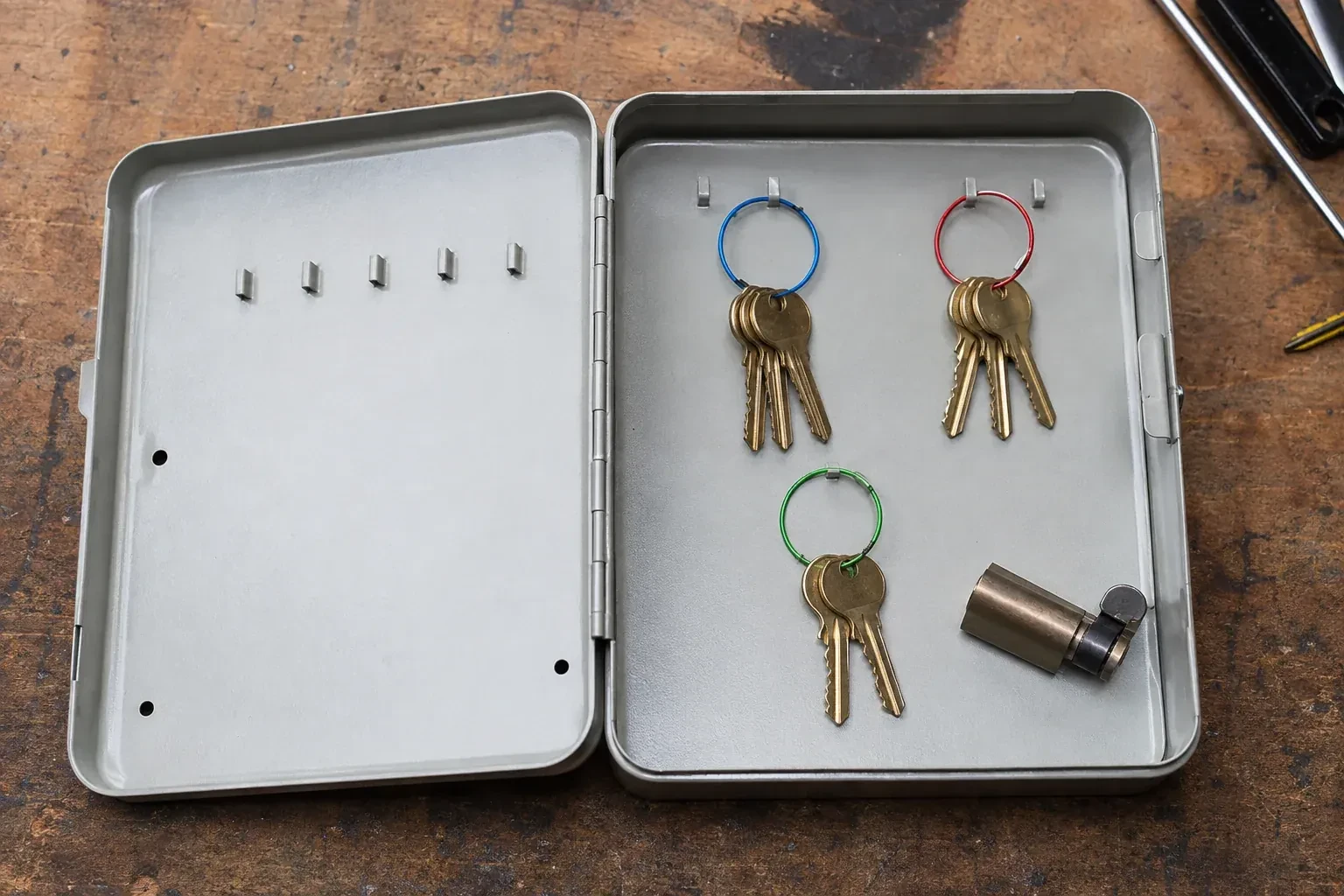
- Master Key System DesignA new hire at the shop gets handed whatever spare key happens to be in the drawer, and it turns out to open the stockroom, the back office and the safe room all at once.
- Panic & Exit HardwareThe new access-control reader at the staff entrance works fine going in, but nobody has sorted out the door's exit side, and right now a card reader and a pushbar exist as two separate ideas.
- Commercial-Grade Lock ReplacementThe kitchen delivery door gets shouldered open more than a hundred times a shift, and lately the latch slips past the strike plate instead of catching it on the first push.